


How to Build a Distraction-Free Desk Environment



I. Introduction
Distractions don’t always announce themselves.
They quietly appear as clutter, notifications, noise, or uncomfortable setups—slowly pulling your attention away from meaningful work.
A distraction-free desk environment isn’t about isolation or perfection. It’s about designing a workspace that protects your focus and supports calm, intentional work.
When your desk stops competing for your attention, focus becomes easier to maintain.
II. Decluttering Your Workspace
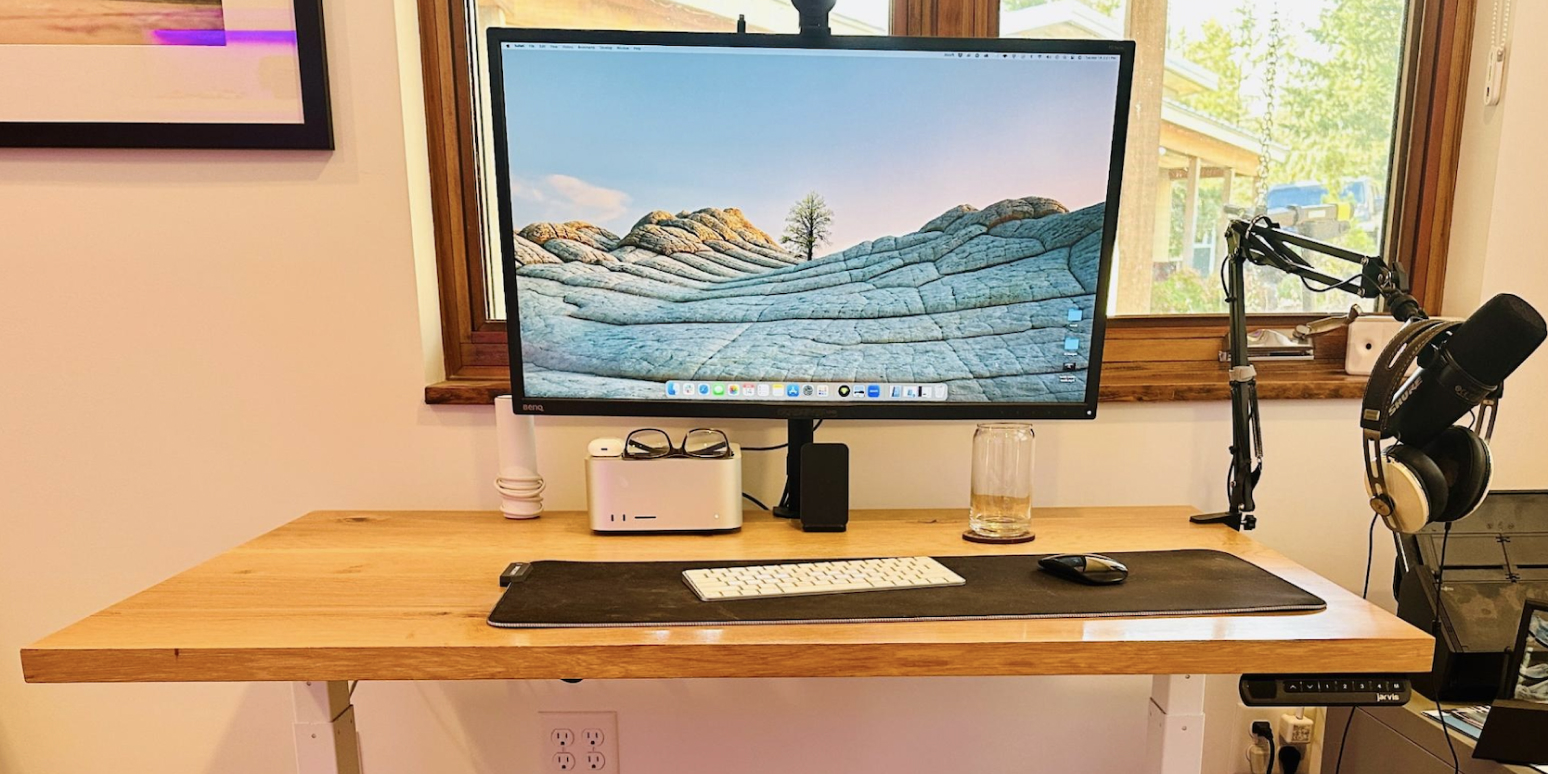

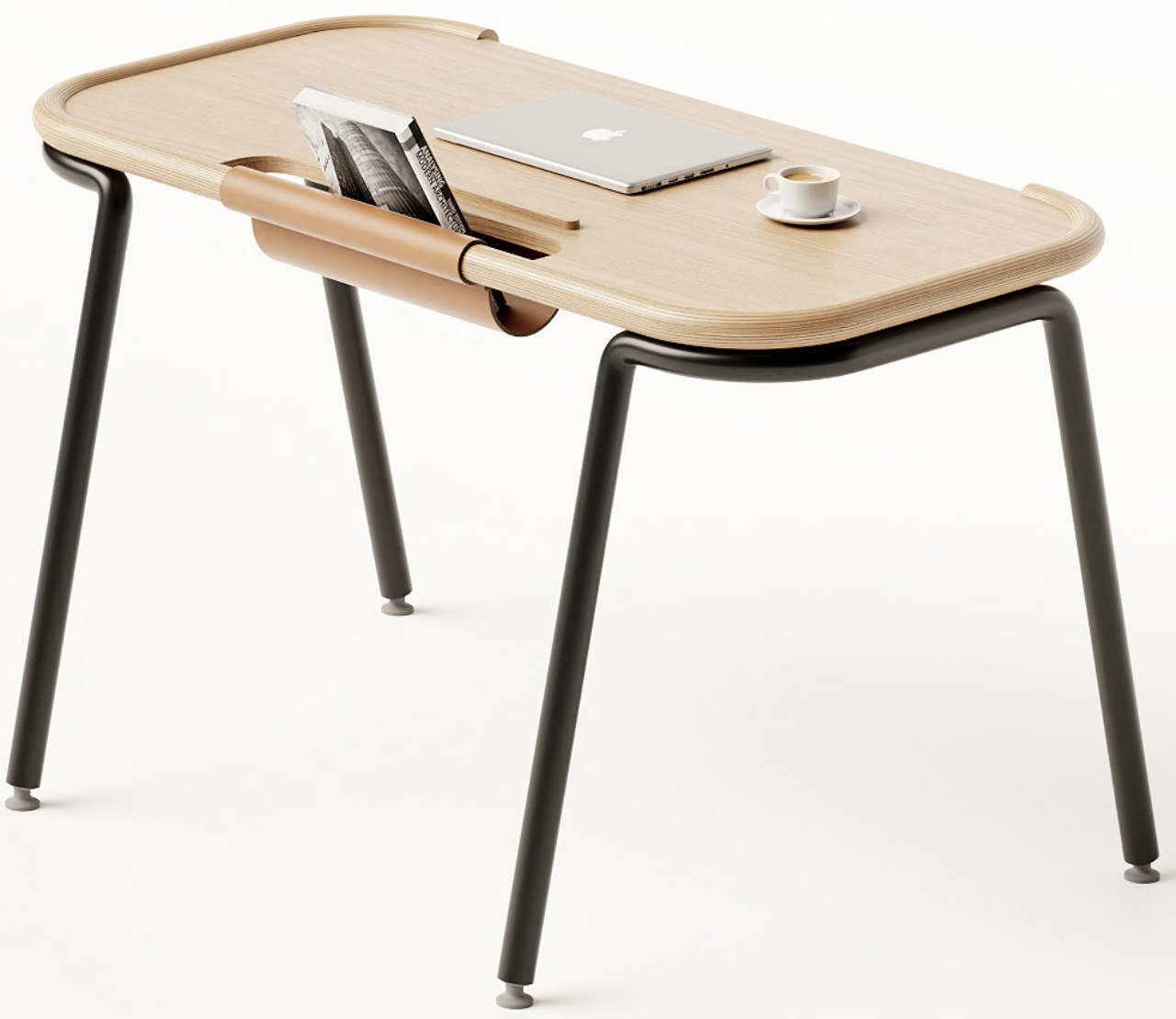
Physical clutter is one of the most common—and overlooked—sources of distraction.
• Minimize Physical Clutter
Remove items that don’t support your daily work. If you don’t use it regularly, it doesn’t belong on your desk.
• Organize Essential Items
Keep only a few essential tools within reach. Everything else should have a designated place off the desk.
• Create Visual Simplicity
Empty space isn’t wasted space. Clear surfaces help your eyes and mind rest between tasks.
III. Digital Decluttering Strategies


Your digital environment is just as important as your physical one.
• Manage Digital Notifications
Turn off non-essential alerts. Every notification breaks concentration, even if you don’t respond to it.
• Use Productivity Apps Intentionally
Limit yourself to a small number of tools. Too many apps create confusion rather than clarity.
• Create a Clean Digital Workspace
Organize files, folders, and desktops so your screen feels calm—not crowded.
IV. Ergonomic Considerations

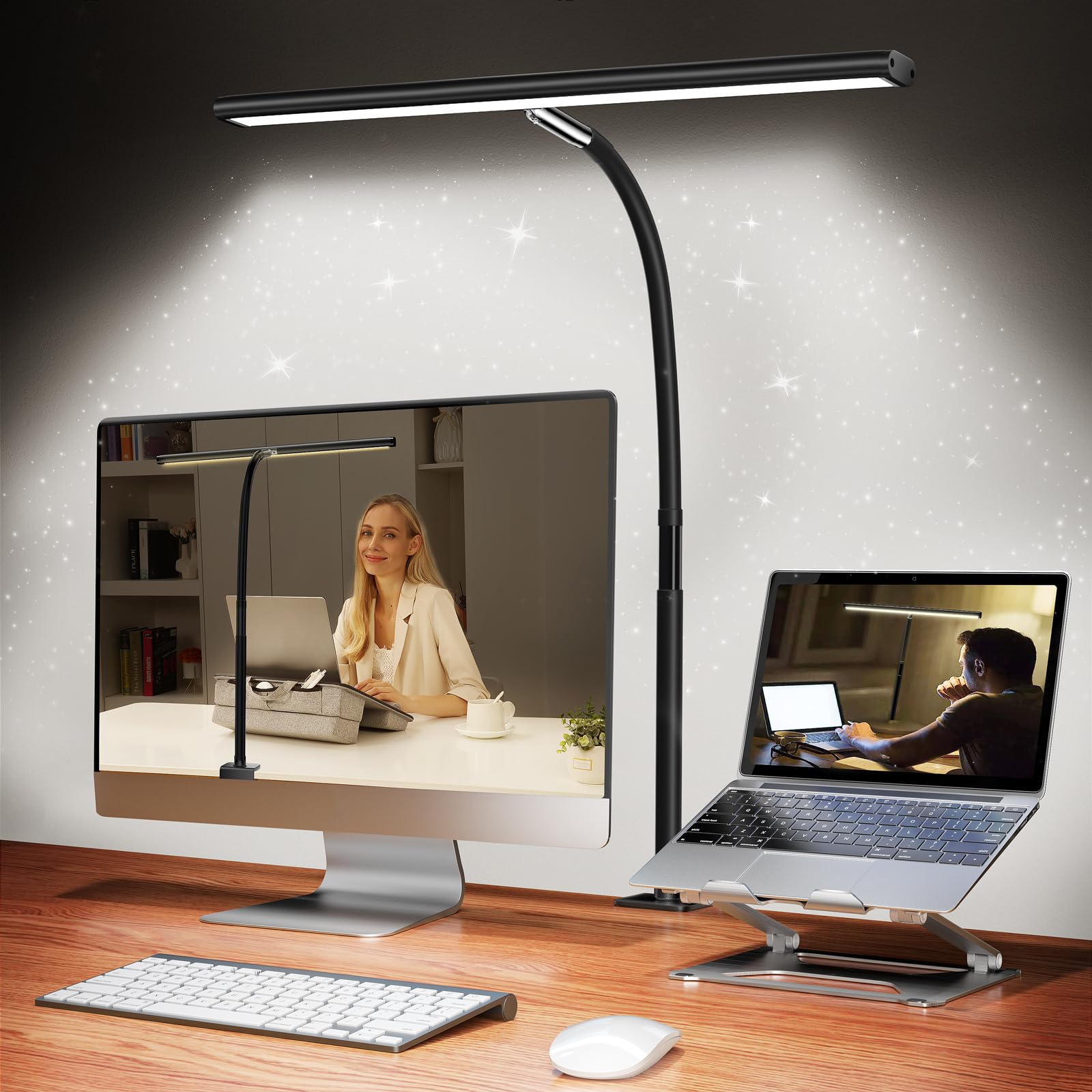
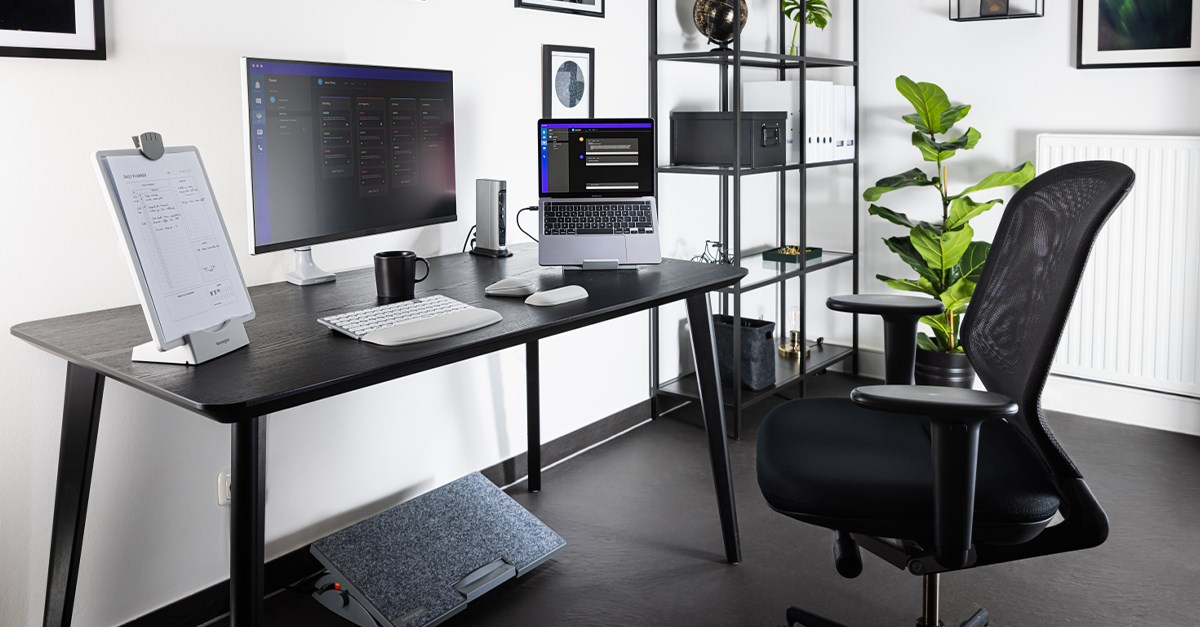
Discomfort is a powerful distraction.
• Comfortable Desk Setup
Adjust your chair, desk height, and screen position to reduce strain on your body.
• Proper Lighting
Natural or soft indirect lighting reduces eye strain and supports longer focus sessions.
• Minimalist Design Principles
Choose simple, functional furniture and accessories that don’t demand attention.
V. Tools and Accessories for Focus

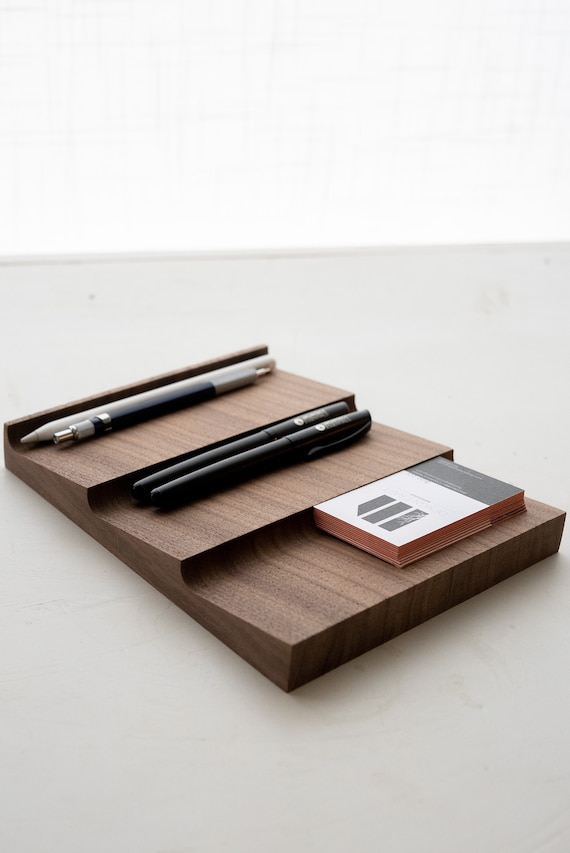

The right tools help protect focus without adding clutter.
-
Noise-cancelling headphones to block distractions
-
Desk organizers to keep small items contained
-
Minimalist accessories that serve a clear purpose
Less visual noise means fewer interruptions.
VI. Establishing Productivity Routines
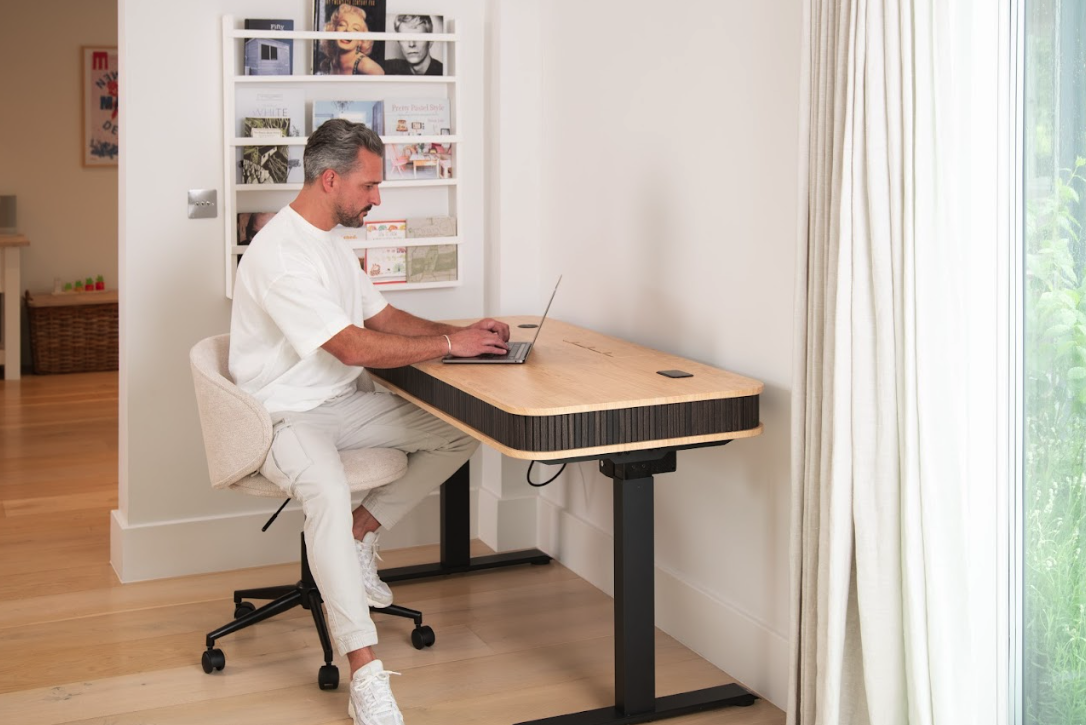

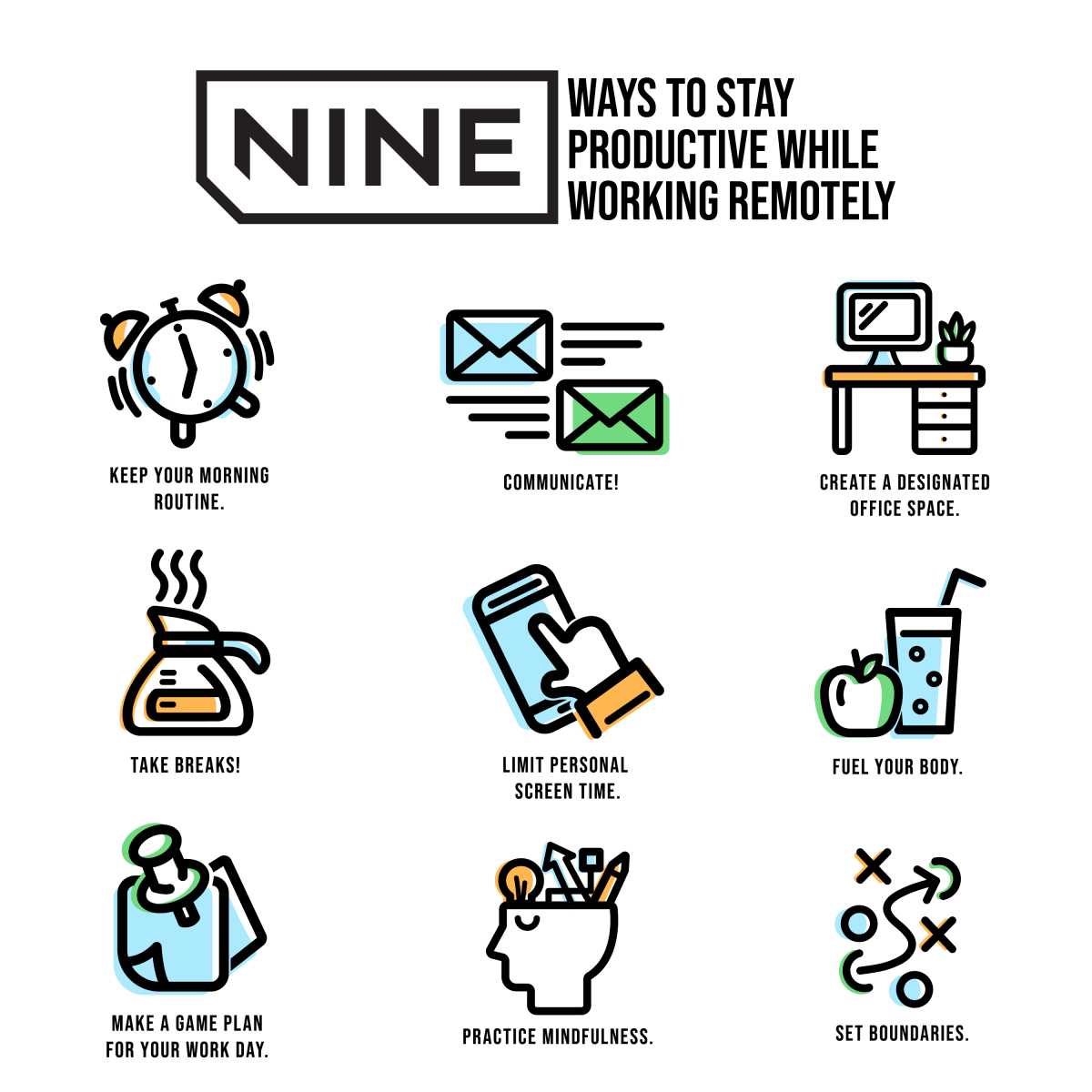
A distraction-free desk works best with consistent habits.
• Time Management Techniques
Work in focused blocks with short breaks to reset attention.
• Create Dedicated Work Zones
Assign clear purposes to different areas of your desk—work, writing, planning.
• Set Boundaries
Define when your desk is for focused work and when it’s not. Boundaries protect mental energy.
VII. Conclusion
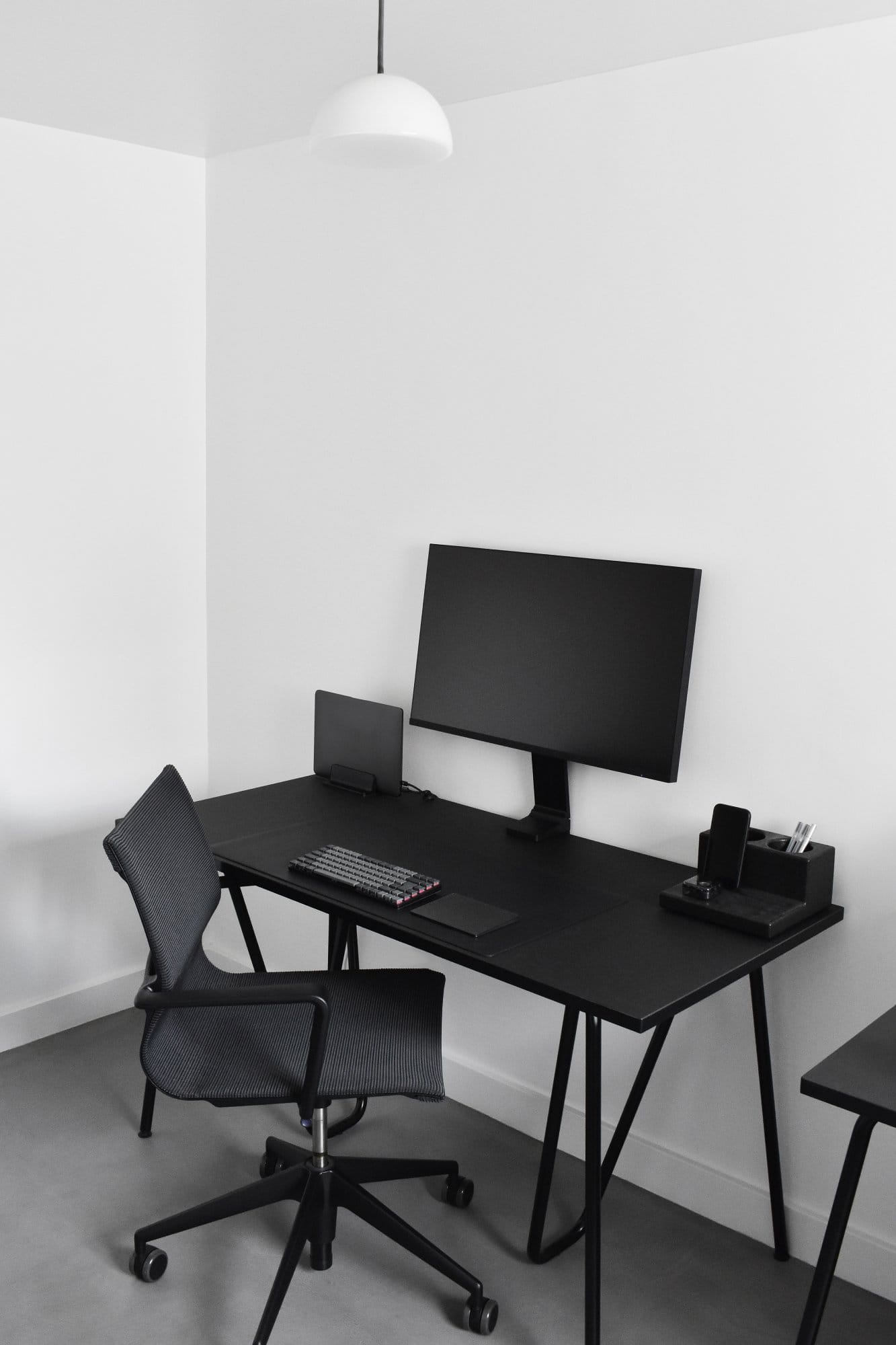


Building a distraction-free desk environment doesn’t require drastic changes—just intentional ones.
By decluttering your space, simplifying your digital tools, and creating supportive routines, you give your mind the space it needs to focus deeply.
Design your desk to protect your attention.
Focus will naturally follow.